Nutrition Math
Percent Daily Value: A Practical Food Label Guide
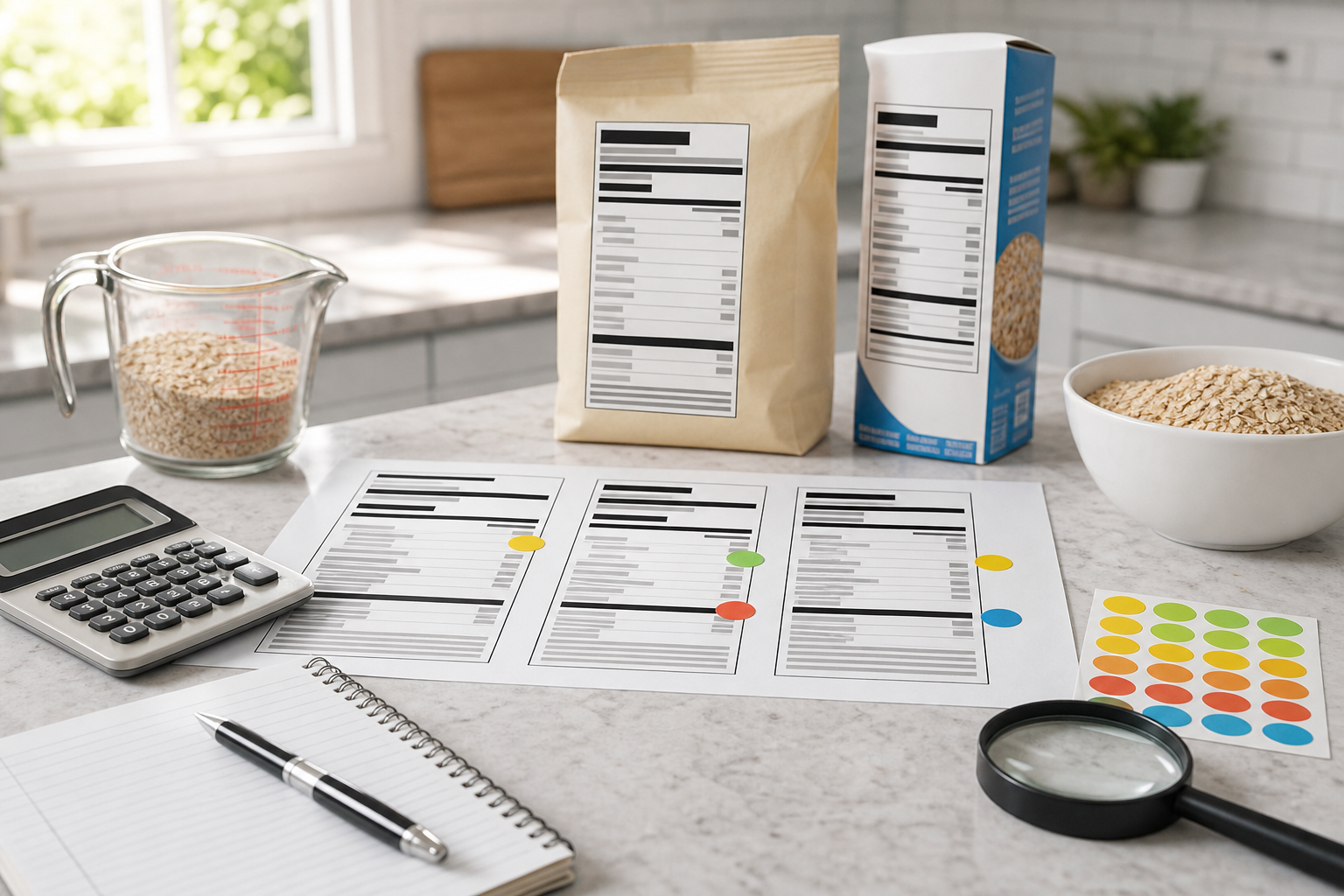
Nutrition labels are full of numbers, but the most practical reading order is simple: serving size first, calories second, nutrients third, and Percent Daily Value as the comparison tool. If you skip serving size, every other number can be misread.
Serving size controls the label
FDA guidance explains that nutrient amounts on the Nutrition Facts label are based on the listed serving size. If a package has multiple servings and you eat more than one serving, calories and nutrient amounts increase in the same proportion.
For example, if one serving has 230 calories and you eat two servings, you consumed about 460 calories from that item. The same doubling applies to sodium, fiber, added sugars, and other listed nutrients.
What %DV means
Percent Daily Value, or %DV, expresses a nutrient amount as a share of a daily reference value. It lets shoppers compare grams, milligrams, and micrograms on one percentage scale without memorizing each nutrient target.
The label already does this calculation for common nutrients. A percentage calculator is still useful when you are comparing custom serving sizes, recipes, or multi-serving portions.
The 5 and 20 rule
FDA uses a practical rule of thumb: 5% Daily Value or less is considered low, while 20% Daily Value or more is considered high. That does not mean every high number is bad. It depends on the nutrient.
- Higher %DV can be helpful for dietary fiber, vitamin D, calcium, iron, and potassium.
- Lower %DV is often preferred for saturated fat, sodium, and added sugars.
- Total sugars and trans fat do not use %DV in the same way as many other nutrients.
Use %DV to compare similar foods
When two products have similar serving sizes, %DV makes the comparison faster. If one soup has 37% DV for sodium and another has 18%, the difference is easier to interpret than comparing milligrams alone. If serving sizes differ, adjust the comparison first.
This approach also helps with marketing claims. A product can sound healthy in front-of-package wording while still being high in nutrients you are trying to limit. The Nutrition Facts panel gives a more standardized view.
A practical label workflow
- Check serving size and servings per container.
- Estimate how many servings you will actually eat.
- Review calories for that actual portion.
- Use %DV to spot high and low nutrients quickly.
- Compare similar foods using the same serving basis.
Open the percentage calculator
Sources
营养数学
Percent Daily Value:食品营养标签实用指南
营养标签里数字很多,但实用阅读顺序并不复杂:先看 serving size,再看 calories,然后看 nutrients,最后用 Percent Daily Value 做比较。如果跳过 serving size,后面的数字都可能被误读。
Serving size 决定标签数字
FDA 指南说明,Nutrition Facts 标签上的营养素数量是基于标注的一份 serving size。如果一包食品有多份,而你吃了不止一份,热量和营养素数量也要按比例增加。
例如,一份有 230 卡路里,如果你吃了两份,就大约摄入 460 卡路里。钠、膳食纤维、添加糖和其他营养素也同样需要按份数放大。
%DV 是什么意思
Percent Daily Value,也就是 %DV,把某种营养素的含量换算成每日参考值的百分比。它让用户不用记住每种营养素的克数或毫克目标,也能用统一百分比快速比较。
常见营养素的这个计算已经在标签上完成。但当你比较自定义份量、食谱或多份食物时,百分比计算器仍然有用。
5 和 20 的经验规则
FDA 给出一个实用判断:5% Daily Value 或更低通常算低,20% Daily Value 或更高通常算高。但高不一定坏,要看具体营养素。
- 膳食纤维、维生素 D、钙、铁和钾,较高 %DV 往往更有帮助。
- 饱和脂肪、钠和添加糖,通常更希望 %DV 较低。
- 总糖和反式脂肪并不总是用相同方式展示 %DV。
用 %DV 比较类似食品
当两个产品 serving size 接近时,%DV 能让比较更快。如果一种汤钠含量是 37% DV,另一种是 18%,这个差异比单独看毫克数更容易理解。如果 serving size 不同,就需要先调整到同一份量基础。
这也能帮助识别营销话术。包装正面可能看起来很健康,但 Nutrition Facts 面板能用更标准化的方式展示你真正关心的营养信息。
实用标签阅读流程
- 先看 serving size 和每包 servings 数量。
- 估算自己实际会吃几份。
- 按实际份量查看热量。
- 用 %DV 快速识别高低营养素。
- 比较类似食品时,确保 serving 基础一致。